
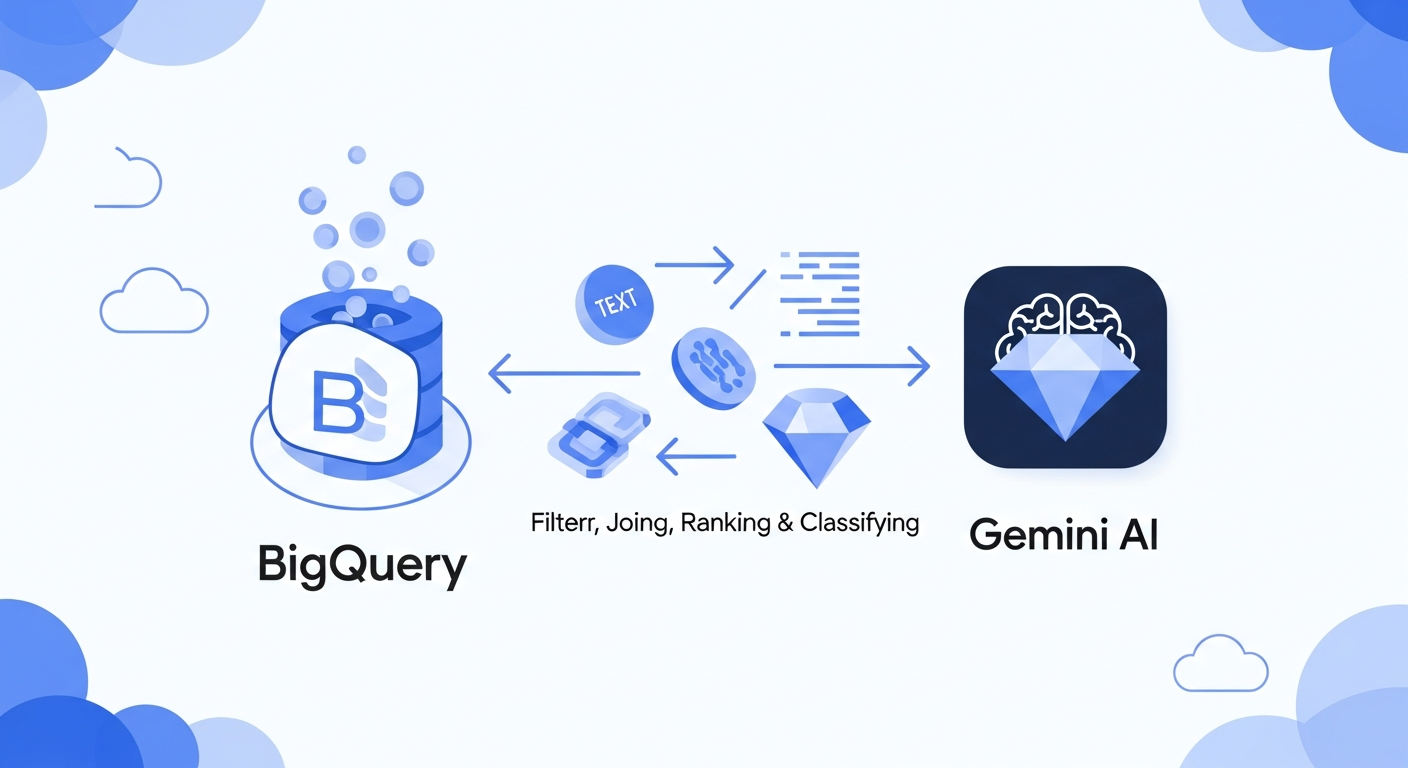
Alright, BigQuery users, get ready for something pretty cool. BigQuery just rolled out some awesome new AI functions, and they're generally available! We're talking AI.IF, AI.SCORE, and AI.CLASSIFY, all powered by Gemini. This is a game-changer for how you interact with your data, especially if you're dealing with a lot of text or even unstructured stuff like images and videos.
Remember how you used to have to pull your data out of BigQuery, run it through some fancy AI model, and then bring it back? Yeah, that was a whole thing. But not anymore. Now, you can use natural language directly within your SQL queries to do some seriously powerful AI magic. And honestly, it makes things so much simpler.
Let's dive into what these new functions actually do.
First up, AI.IF. This one lets you filter and join data based on conditions you describe in plain English. Imagine you have a bunch of customer reviews, and you want to find all the ones that mention "slow shipping" and also "good customer service". Instead of complex regex or keyword searches, you can just tell AI.IF what you're looking for. It's like having a super smart assistant helping you sift through your data. And this isn't just for text, you can use it with unstructured data too. Pretty neat.
Then there's AI.SCORE. Ever wanted to rate your data? Maybe you have product images and you want to score them based on quality, or perhaps customer feedback you want to rank by sentiment. AI.SCORE handles it. You describe your criteria, and it gives you a score. This is huge for quickly identifying trends or prioritizing certain data points without building custom scoring models from scratch. Think about how much time that'll save you.
And finally, AI.CLASSIFY. This function is for categorizing your data. Let's say you have a bunch of support tickets, and you want to automatically put them into categories like "billing issue", "technical problem", or "feature request". AI.CLASSIFY can do that based on categories you define. It makes organizing and analyzing large datasets a breeze, and you don't even need to be an ML expert to use it.
The best part? These functions are built right into BigQuery. That means your data stays where it is, which is great for security and compliance. Plus, it should be super fast, since it's all happening natively. No more moving data around, no more complicated integrations. It just works.
There's also a mention of an "optimized mode" for AI.IF and AI.CLASSIFY to help reduce LLM token consumption and query latency when you're working with big datasets. That's a thoughtful touch, making sure these powerful features are efficient even at scale.
So, if you're already using BigQuery, or even if you've been thinking about getting into it, these new Gemini-powered AI functions are a big reason to jump in. They make working with complex, unstructured data way more accessible and powerful. Go give them a try in your next query!
For more details, check out the official BigQuery documentation.
Comments
Join the discussionNo comments yet. Be the first to comment.