Finally! Sync Google Cloud Secret Manager Secrets to GKE Automatically
No more manual workarounds, your Kubernetes Secrets can now stay in sync with Secret Manager.

If you've ever dealt with secrets in Kubernetes, you know it can be a bit of a headache. Keeping sensitive data like API keys, database credentials, or configuration bits secure and up-to-date across your Google Kubernetes Engine (GKE) clusters has traditionally meant a lot of manual work or custom solutions. Honestly, it was a pain.
But guess what? Google Cloud just made life a whole lot easier for GKE users. The Integrated Secret Synchronization feature in Secret Manager is now Generally Available (GA)! This is pretty cool.
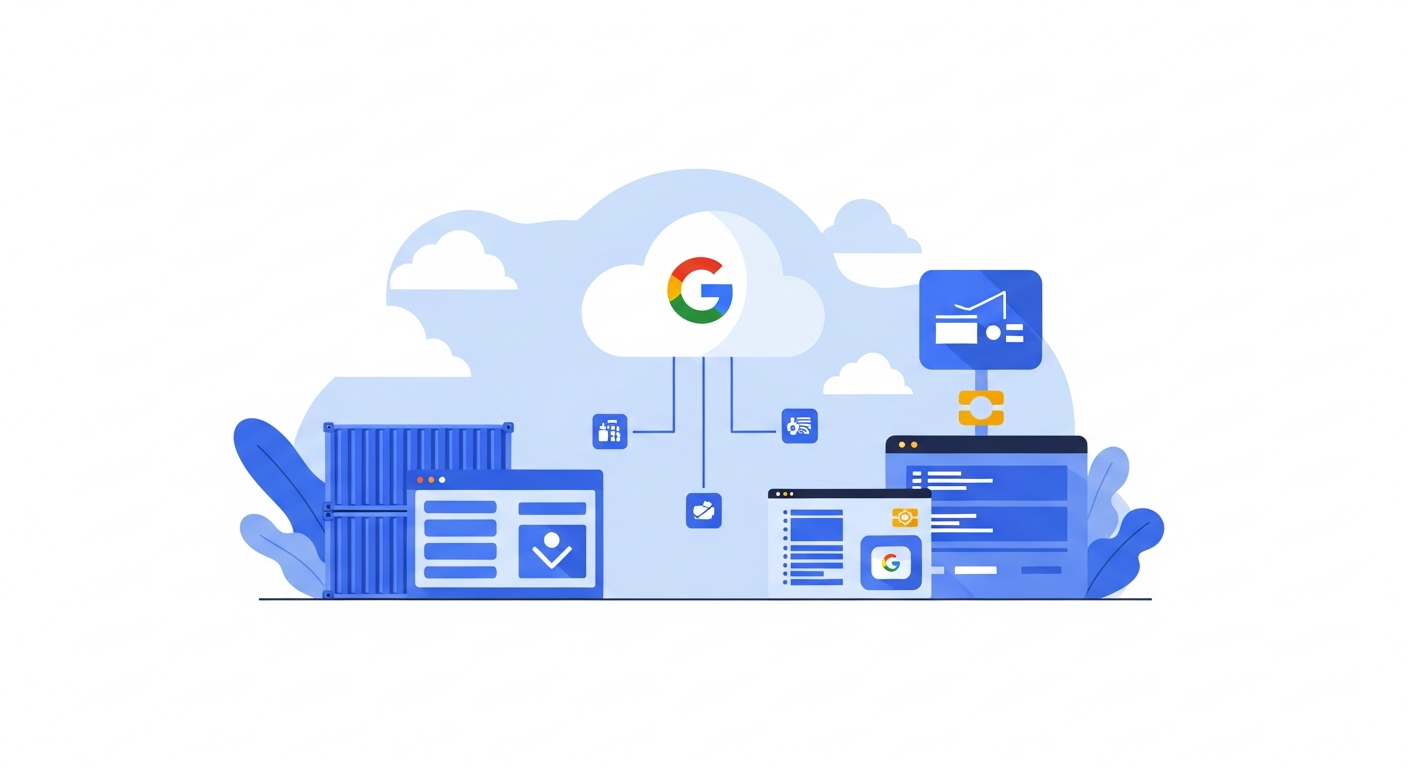
So, what does it do? In simple terms, it lets you automatically sync your secrets from Secret Manager directly into Kubernetes Secret objects within your GKE clusters. Yep, automatically. No more fiddling around with kubectl commands every time a secret rotates, and no more writing custom little applications to keep things in sync.
This means your applications running in GKE can access these secrets using standard Kubernetes methods, like environment variables or volume mounts. If your apps are already set up to read secrets from Kubernetes Secret objects, they’ll just work with Secret Manager. It's a really seamless integration.
Think about the benefits here. First, security is better. You're centralizing your sensitive data in Secret Manager, which has great access controls and auditing features. Then, you're reducing the chances of human error because manual steps are gone. And, it simplifies your operational overhead quite a bit. Less toil, more time for other stuff.
Before, you might have used something like Dataflow, or built your own cron jobs, to try and achieve this. But those added complexity and maintenance. This new GA feature is built right in, which is exactly what we needed.
This update really takes a common, annoying problem and provides a clean, native GCP solution. It’s a win for anyone looking to make their GKE deployments more secure and their secret management less of a chore.
Want to give it a whirl? Check out the official documentation on Synchronize secrets to Kubernetes Secrets for all the setup details.
Source URL: https://docs.cloud.google.com/release-notes#April_16_2026