
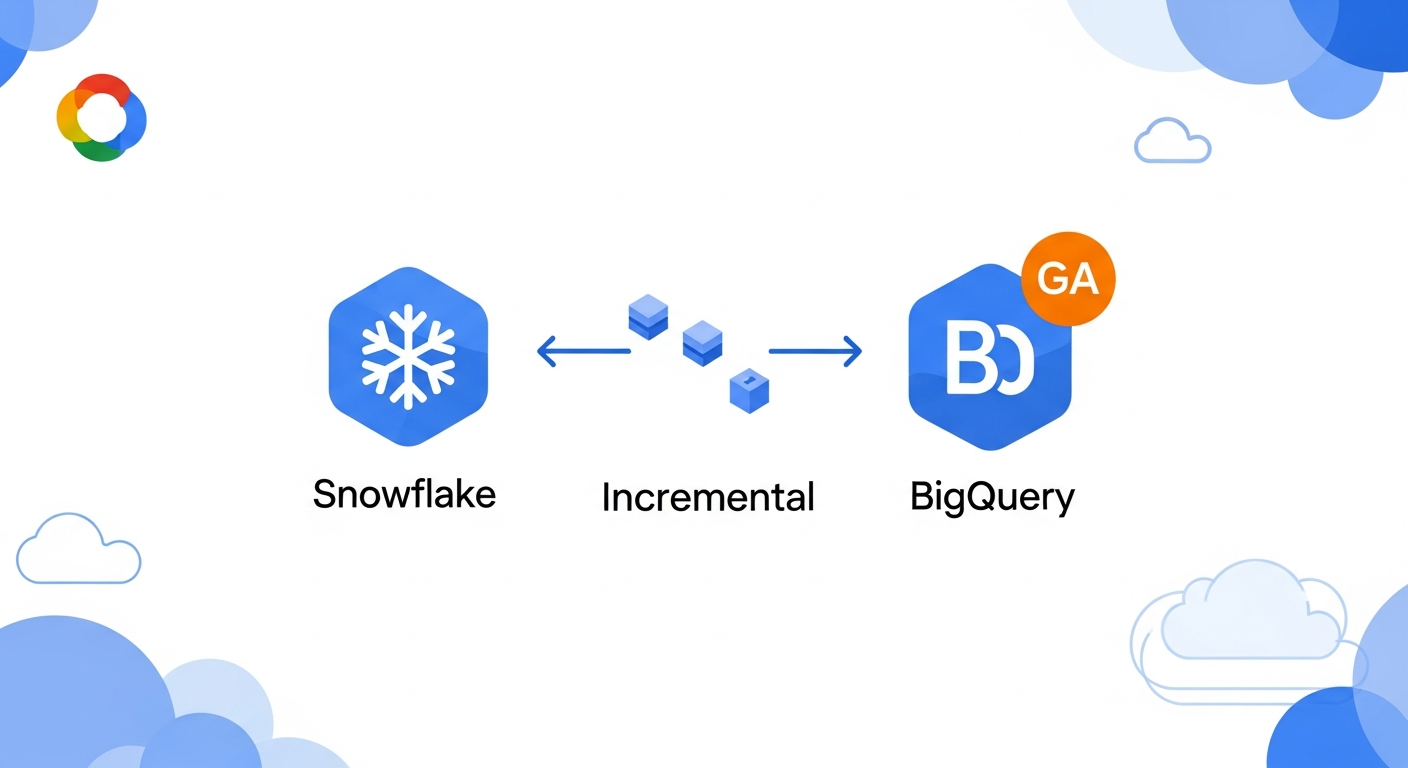
Hey everyone, have you ever dealt with moving data from Snowflake to BigQuery? It's often a pretty big task. Well, good news! The BigQuery Data Transfer Service just got an awesome update. It now supports incremental data transfers from Snowflake. This feature is generally available, which is even better.
What does this mean for you? If you're running workloads on Snowflake and thinking about migrating to BigQuery, or even just need to sync data between the two, this is a big deal. Before, you might have had to build custom solutions or deal with full data dumps, which could be cumbersome and slow. And frankly, a bit annoying to manage.
With incremental transfers, the BigQuery Data Transfer Service can now smartly identify and move only the new or changed data from your Snowflake instance. This means faster, more efficient data movement. Less data transferred means lower costs and less time waiting around. It's a huge win for anyone working with large datasets and needing to keep things in sync without a lot of manual effort.
Think about it this way. You set up the transfer, and BigQuery handles the heavy lifting of figuring out what's new in Snowflake and just pulling that. You don't have to write complex scripts or worry about duplicates. It just works. This definitely simplifies a common data engineering challenge.
So if you've been on the fence about moving some of your data analytics to BigQuery from Snowflake, this change definitely makes it a lot easier. It removes a significant hurdle in keeping your data fresh and available in BigQuery without much fuss.
To get started, you'll want to check out the BigQuery Data Transfer Service documentation. Look for the sections on setting up transfers from third-party sources like Snowflake. It'll walk you through connecting your Snowflake instance and configuring those sweet, sweet incremental transfers. Give it a try! You might just save yourself a ton of headaches.
Comments
Join the discussionNo comments yet. Be the first to comment.